For Basic Setting
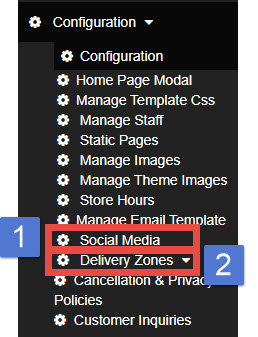
1. Configuration
This section covers the essential settings required for managing your website. You can configure or update the following:
Store Name / Address / Phone Number / Time Zone / Printer Setting / Tip Setting / Tax Setting / Order Notification Setting / Pick-up Delay Time / Guest User Setting / Payment Option (Cash/Card) / Online Ordering Toggle (Enable / Disable)
2. Store Hours
Manage your store’s operating hours and define special schedules as needed. This section includes:
- Regular Store Hours
- Holiday Schedule
- Restrict Ordering to Store Hours: Option to allow or restrict customers from placing orders only during the store’s open hours.
Advanced Setting
These settings help enhance your website by promoting products and providing additional information to customers.
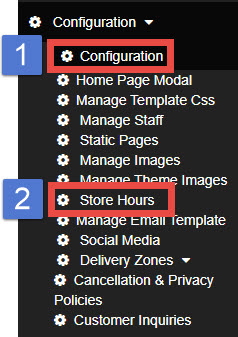
1. Home Page Modal
Create a pop-up on the homepage for announcements, promotions, or important notices.
(Guide : How to create a popup window)
2. Static Pages
Add new pages to your website such as Menu, Deals, Gallery, or Limited-Time Offers
(Insert Guide URL)
Additional Setting
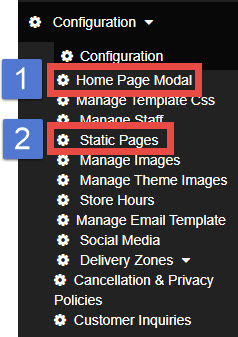
1. Social Media
Connect your website to your social media accounts such as Instagram and Facebook. This allows customers to easily access your social channels directly from your site.
2. Delivery Zone
Define and manage delivery zones by setting geographical boundaries for online delivery orders.